PROJECT ROLE
UI Design, Prototyping
TOOLS
Figma, Microsoft Teams
TEAM STRUCTURE
Project Manager, Business Analyst, Lead UI/UX, Quality Assurance, Developer
OBJECTIVE/GOAL
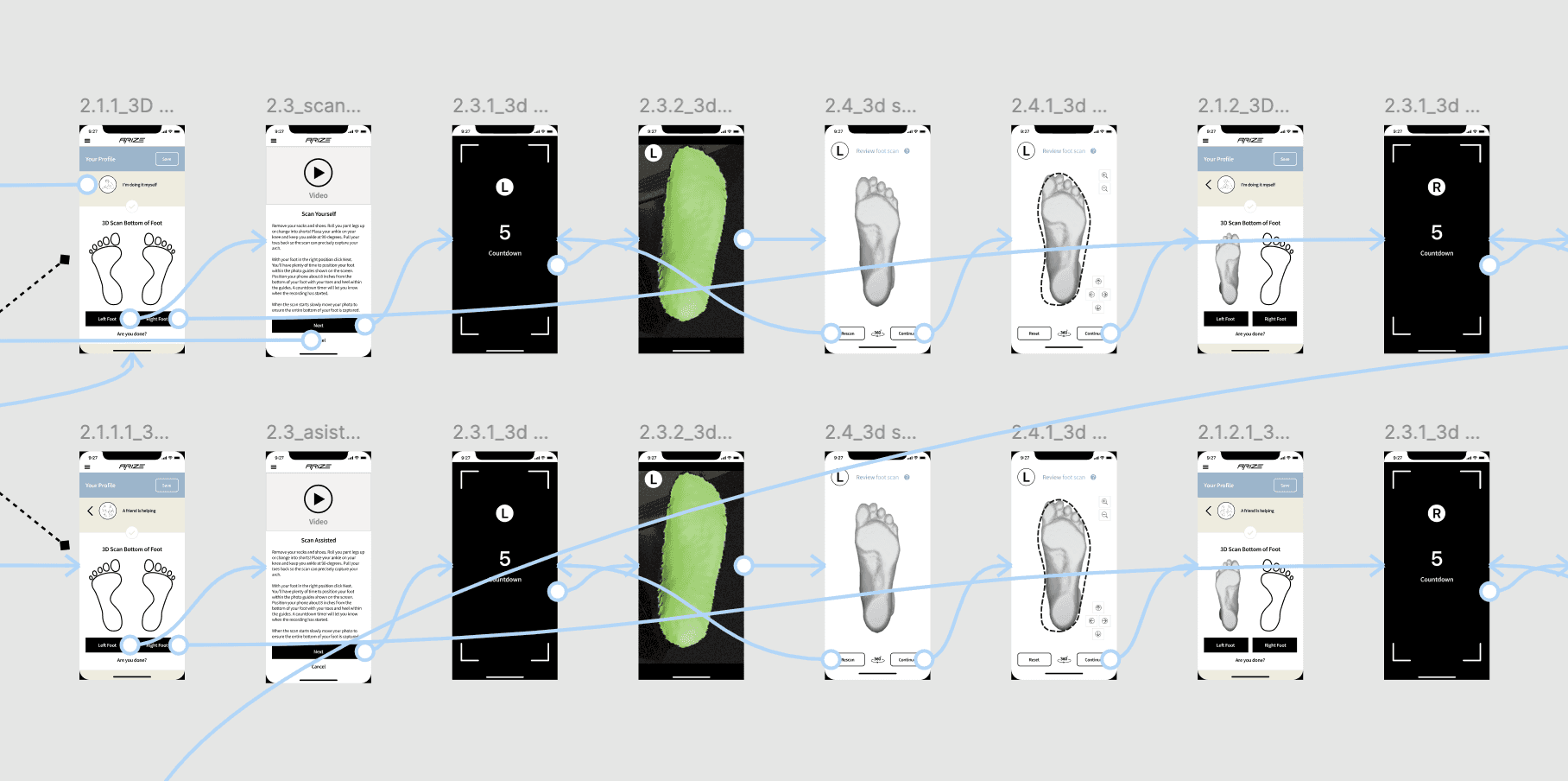
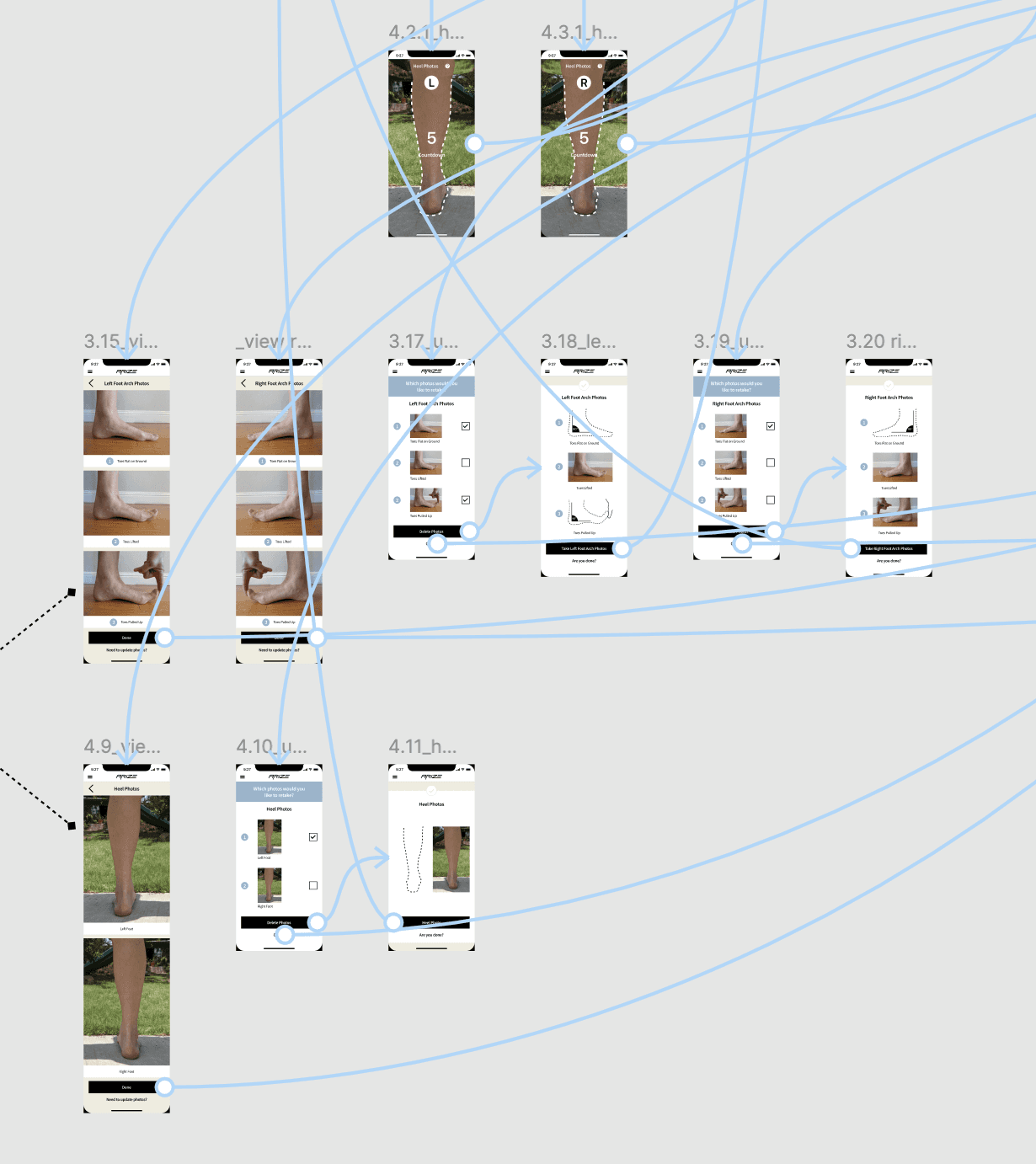
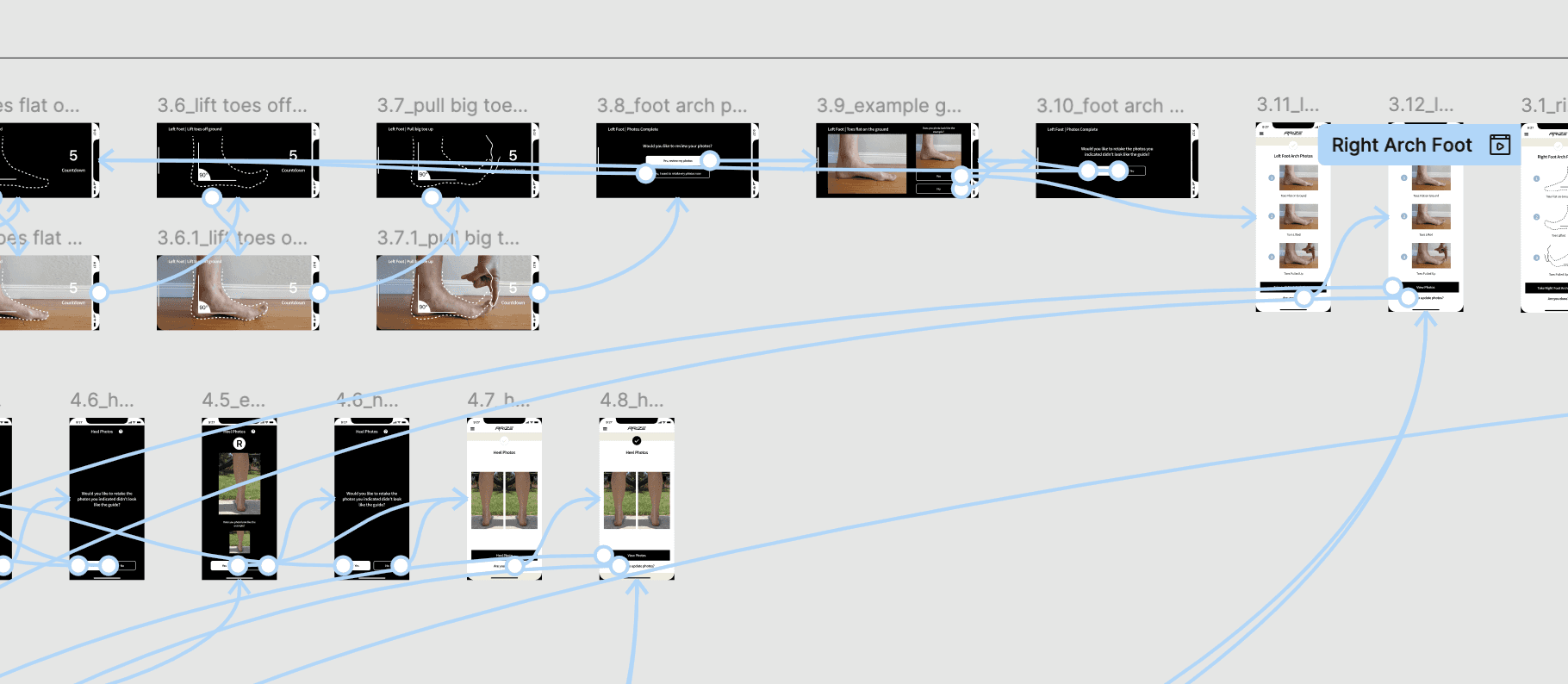
My task is complete asset transfer, requiring us to export and formalize all designs currently in PowerPoint files into a structured Figma environment. This will culminate in the creation of the prototypes, simulating the entire workflow specifically covering the full range of scanning functionalities.
The Challanges
Project Conversion Briefing
Following a detailed call where you successfully walked the client through all the functions of the application, the focus of the meeting shifted to the next deliverable.
The Client’s Requirement
The client has issued a specific and critical request regarding the conversion of existing project assets:
All content, visual elements, and information currently contained within the PowerPoint (PPT) file must be converted directly into a Figma design file, complete with a fully interactive prototype.
Strict Constraint: No Changes The key constraint emphasized by the client is that the conversion must be done without altering anything.
This means your task is a process of direct transposition, ensuring:
Fidelity to Source: Every layout, graphic, text block, and structural element present in the PPT file must be replicated exactly in Figma.
Functional Replication: The resulting Figma prototype must follow the precise flow and interaction sequence implied or demonstrated by the original PPT presentation slides, without introducing new navigation or modifying existing links.
Pixel-Perfect Accuracy: The final Figma assets and prototype must be a 1:1, "no-change" reproduction of the source PPT content.
Final Design Overview
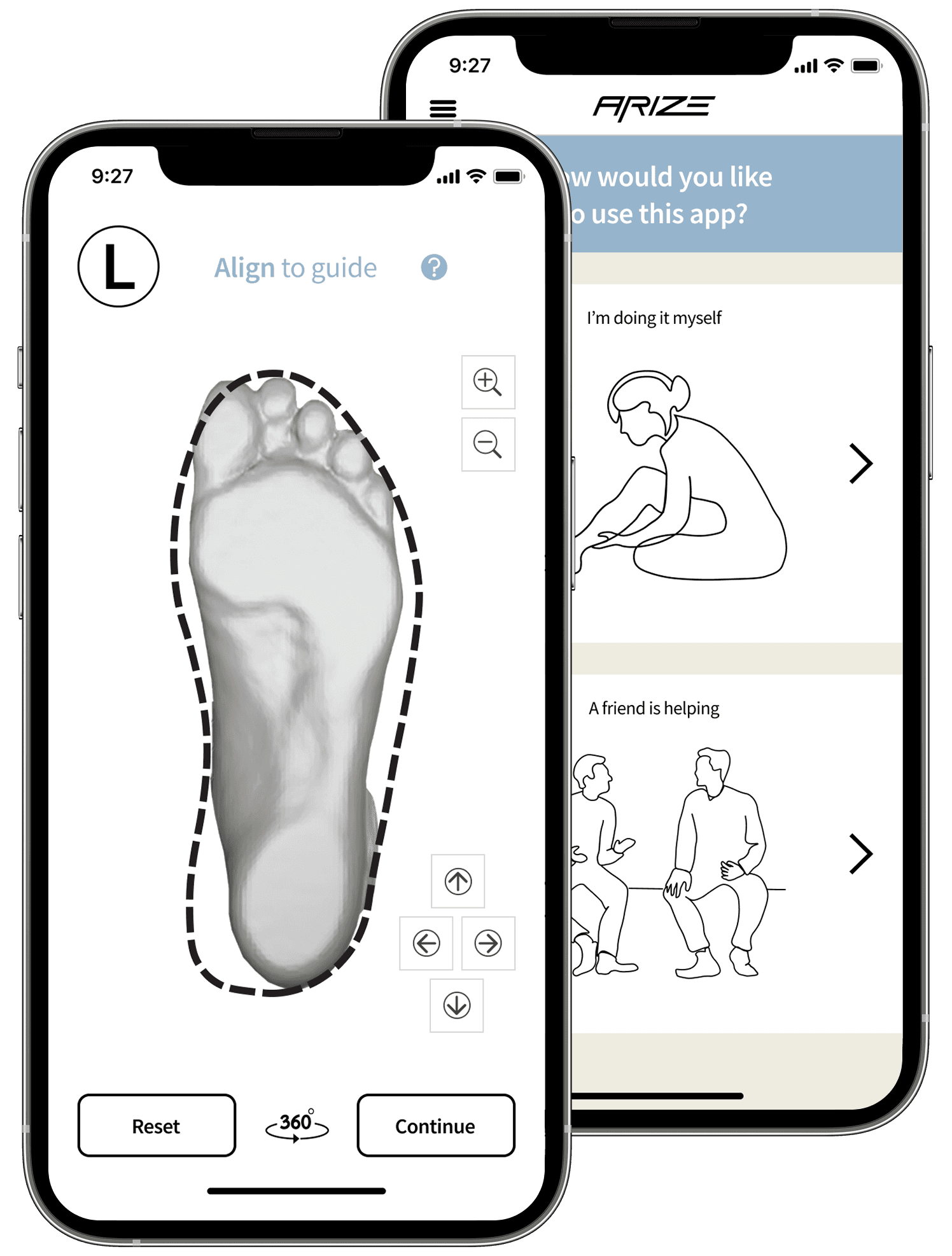
Here are the mockups and prototypes. My approach was to make no structural changes, but I still make it always consistency in the padding. The goal here is to ensure all assets and components maintain a clean, highly organized, and professional appearance.
View Prototype